Free Vault Access
No payment required.
Start with free access to the LeoStarPresents Free Vault. This gives you a safe preview of the platform and puts your account in the system so you can upgrade later to Teaser, Mega Access, or Mega VIP.
Click below to create your free account.
START HERE!!!
👇🏾👇🏾👇🏾👇🏾👇🏾👇🏾👇🏾👇🏾👇🏾👇🏾
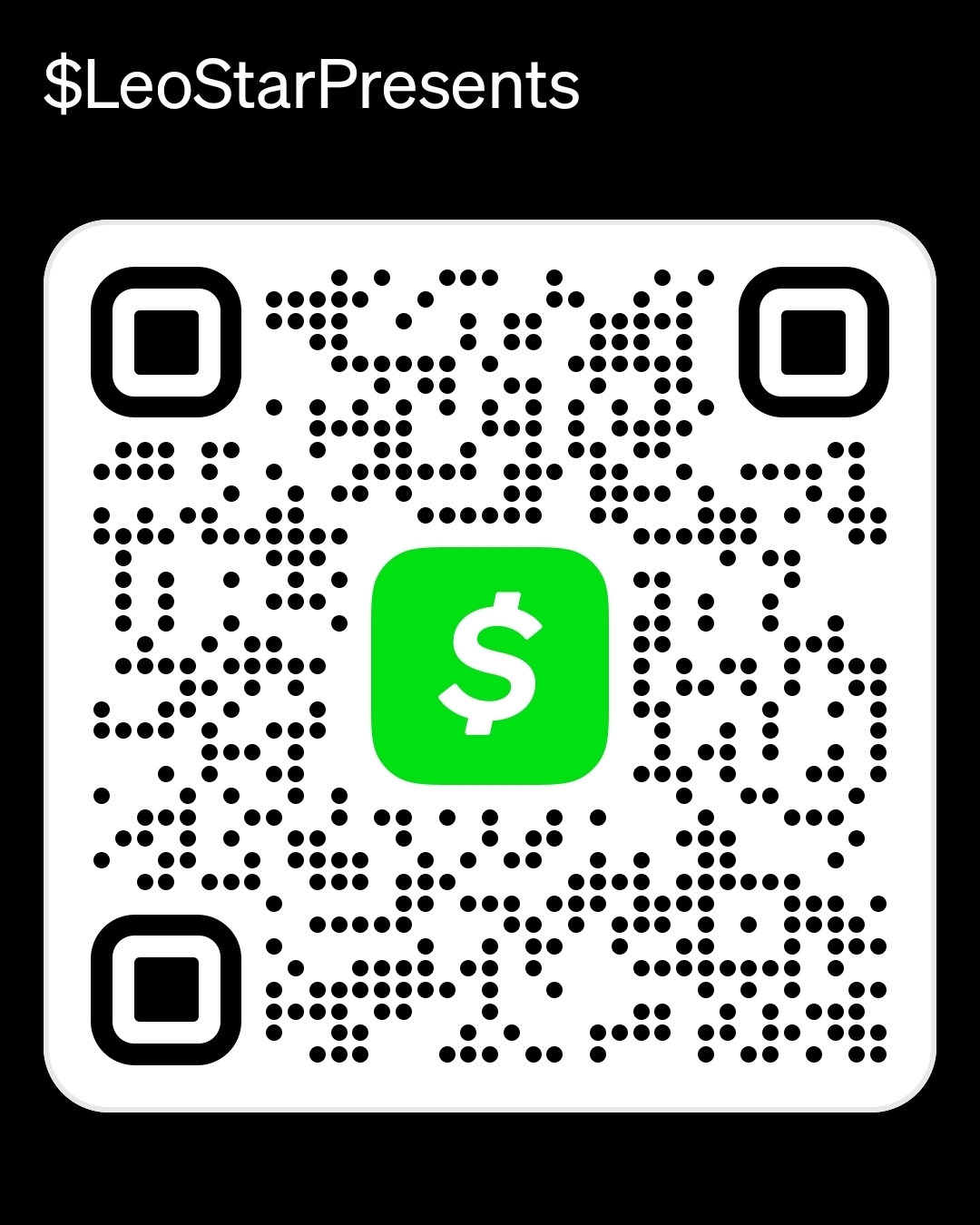
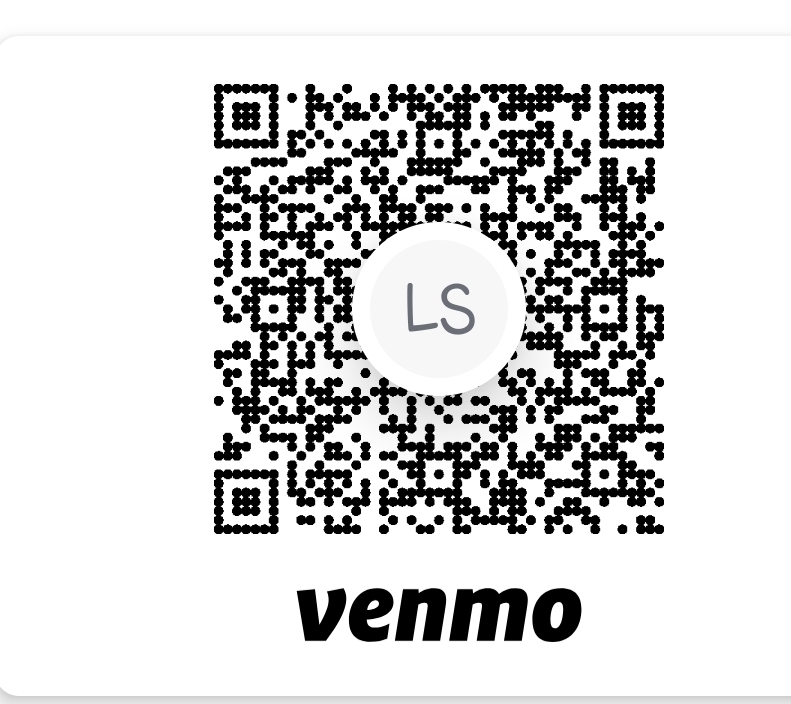
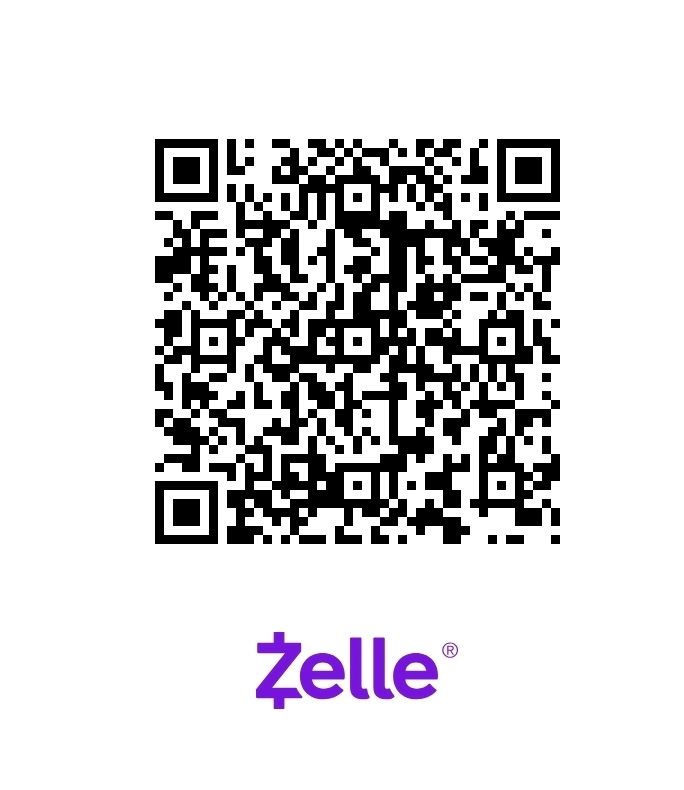
To request access, send the amount shown from the unlock page using one of the payment methods below.
After sending payment, open Step 2 — Submit Unlock Request and enter your account email, requested item, payment method, and confirmation details.
Access is not instant. Access is granted after payment is verified and the correct unlock is processed.
Submit this form after payment has been sent.
Use the same email connected to your LeoStarPresents vault account. If the wrong email is entered, access may be delayed.
Your unlock will be processed after payment is verified.
Prefer card payment or PayPal checkout?
Use the PayPal Invoice Request section and enter the email where the invoice should be sent. Access is granted after the invoice is paid and verified.
Unlock Type Guide
First-time Mega VIP payment:
Use Unlock Mega VIP.
Existing Mega VIP quarterly progression payment:
Use Unlock VIP Next Progression.
Individual tier purchase:
Use the exact tier, such as Unlock Tier 4.
ETM purchase:
Use the exact ETM, such as Unlock ETM 1.
PPV purchase:
Use the exact PPV name shown on the unlock page.
Free Vault Access
No payment required.
Start with free access to the LeoStarPresents Free Vault. This gives you a safe preview of the platform and puts your account in the system so you can upgrade later to Teaser, Mega Access, or Mega VIP.
Click below to create your free account.
START HERE!!!
👇🏾👇🏾👇🏾👇🏾👇🏾👇🏾👇🏾👇🏾👇🏾👇🏾
To request access, send the amount shown from the unlock page using one of the payment methods below.
After sending payment, open Step 2 — Submit Unlock Request and enter your account email, requested item, payment method, and confirmation details.
Access is not instant. Access is granted after payment is verified and the correct unlock is processed.
Submit this form after payment has been sent.
Use the same email connected to your LeoStarPresents vault account. If the wrong email is entered, access may be delayed.
Your unlock will be processed after payment is verified.
Prefer card payment or PayPal checkout?
Use the PayPal Invoice Request section and enter the email where the invoice should be sent. Access is granted after the invoice is paid and verified.
Unlock Type Guide
First-time Mega VIP payment:
Use Unlock Mega VIP.
Existing Mega VIP quarterly progression payment:
Use Unlock VIP Next Progression.
Individual tier purchase:
Use the exact tier, such as Unlock Tier 4.
ETM purchase:
Use the exact ETM, such as Unlock ETM 1.
PPV purchase:
Use the exact PPV name shown on the unlock page.
Free Vault Access
No payment required.
Start with free access to the LeoStarPresents Free Vault. This gives you a safe preview of the platform and puts your account in the system so you can upgrade later to Teaser, Mega Access, or Mega VIP.
Click below to create your free account.
START HERE!!!
👇🏾👇🏾👇🏾👇🏾👇🏾👇🏾👇🏾👇🏾👇🏾👇🏾
To request access, send the amount shown from the unlock page using one of the payment methods below.
After sending payment, open Step 2 — Submit Unlock Request and enter your account email, requested item, payment method, and confirmation details.
Access is not instant. Access is granted after payment is verified and the correct unlock is processed.
Submit this form after payment has been sent.
Use the same email connected to your LeoStarPresents vault account. If the wrong email is entered, access may be delayed.
Your unlock will be processed after payment is verified.
Prefer card payment or PayPal checkout?
Use the PayPal Invoice Request section and enter the email where the invoice should be sent. Access is granted after the invoice is paid and verified.
Unlock Type Guide
First-time Mega VIP payment:
Use Unlock Mega VIP.
Existing Mega VIP quarterly progression payment:
Use Unlock VIP Next Progression.
Individual tier purchase:
Use the exact tier, such as Unlock Tier 4.
ETM purchase:
Use the exact ETM, such as Unlock ETM 1.
PPV purchase:
Use the exact PPV name shown on the unlock page.
Free Vault Access
No payment required.
Start with free access to the LeoStarPresents Free Vault. This gives you a safe preview of the platform and puts your account in the system so you can upgrade later to Teaser, Mega Access, or Mega VIP.
Click below to create your free account.
START HERE!!!
👇🏾👇🏾👇🏾👇🏾👇🏾👇🏾👇🏾👇🏾👇🏾👇🏾
To request access, send the amount shown from the unlock page using one of the payment methods below.
After sending payment, open Step 2 — Submit Unlock Request and enter your account email, requested item, payment method, and confirmation details.
Access is not instant. Access is granted after payment is verified and the correct unlock is processed.
Submit this form after payment has been sent.
Use the same email connected to your LeoStarPresents vault account. If the wrong email is entered, access may be delayed.
Your unlock will be processed after payment is verified.
Prefer card payment or PayPal checkout?
Use the PayPal Invoice Request section and enter the email where the invoice should be sent. Access is granted after the invoice is paid and verified.
Unlock Type Guide
First-time Mega VIP payment:
Use Unlock Mega VIP.
Existing Mega VIP quarterly progression payment:
Use Unlock VIP Next Progression.
Individual tier purchase:
Use the exact tier, such as Unlock Tier 4.
ETM purchase:
Use the exact ETM, such as Unlock ETM 1.
PPV purchase:
Use the exact PPV name shown on the unlock page.
Free Vault Access
No payment required.
Start with free access to the LeoStarPresents Free Vault. This gives you a safe preview of the platform and puts your account in the system so you can upgrade later to Teaser, Mega Access, or Mega VIP.
Click below to create your free account.
START HERE!!!
👇🏾👇🏾👇🏾👇🏾👇🏾👇🏾👇🏾👇🏾👇🏾👇🏾
To request access, send the amount shown from the unlock page using one of the payment methods below.
After sending payment, open Step 2 — Submit Unlock Request and enter your account email, requested item, payment method, and confirmation details.
Access is not instant. Access is granted after payment is verified and the correct unlock is processed.
Submit this form after payment has been sent.
Use the same email connected to your LeoStarPresents vault account. If the wrong email is entered, access may be delayed.
Your unlock will be processed after payment is verified.
Prefer card payment or PayPal checkout?
Use the PayPal Invoice Request section and enter the email where the invoice should be sent. Access is granted after the invoice is paid and verified.
Unlock Type Guide
First-time Mega VIP payment:
Use Unlock Mega VIP.
Existing Mega VIP quarterly progression payment:
Use Unlock VIP Next Progression.
Individual tier purchase:
Use the exact tier, such as Unlock Tier 4.
ETM purchase:
Use the exact ETM, such as Unlock ETM 1.
PPV purchase:
Use the exact PPV name shown on the unlock page.