 Payment verification required before access is granted
Vault, Tier, ETM, Mega VIP, VIP Progression, and PPV unlocks supported
Secure account-based access through your LeoStarPresents login
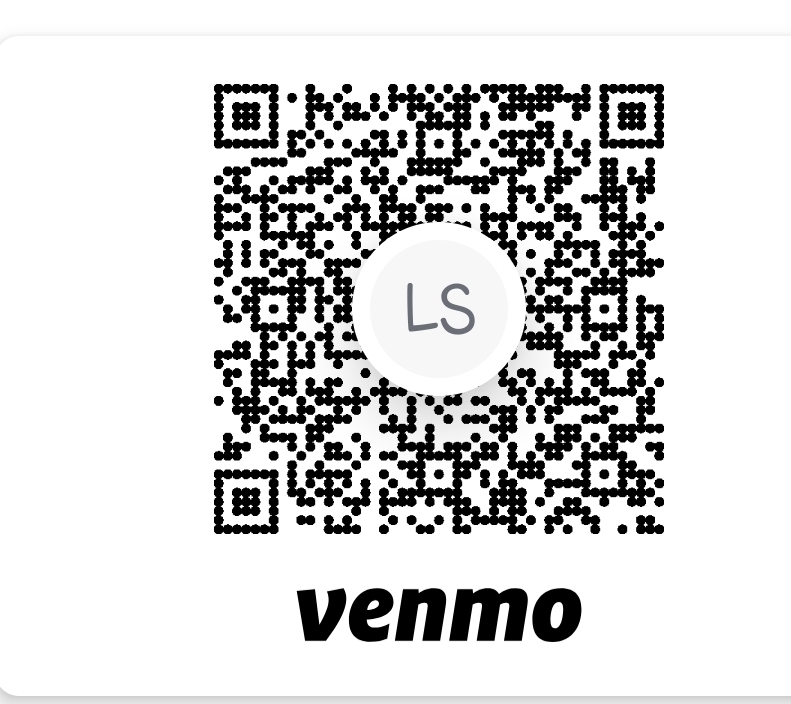
1 — Send Payment


2 — Submit Unlock Request
3 — Request PayPal Invoice
Payment verification required before access is granted
Vault, Tier, ETM, Mega VIP, VIP Progression, and PPV unlocks supported
Secure account-based access through your LeoStarPresents login
1 — Send Payment
2 — Submit Unlock Request
3 — Request PayPal Invoice
Payment verification required before access is granted
Vault, Tier, ETM, Mega VIP, VIP Progression, and PPV unlocks supported
Secure account-based access through your LeoStarPresents login
1 — Send Payment
2 — Submit Unlock Request
3 — Request PayPal Invoice
Payment verification required before access is granted
Vault, Tier, ETM, Mega VIP, and PPV unlocks supported
Secure access through your LeoStarPresents login
1 — Send Payment
2 — Submit Unlock Request
3 — Request PayPal Invoice
Payment verification required before access is granted
Vault, Tier, ETM, Mega VIP, VIP Progression, and PPV unlocks supported
Secure account-based access through your LeoStarPresents login
1 — Send Payment